Various ·Product Designer ·Team: +0 ·Time: 2015-20 ·UI,Visual Design
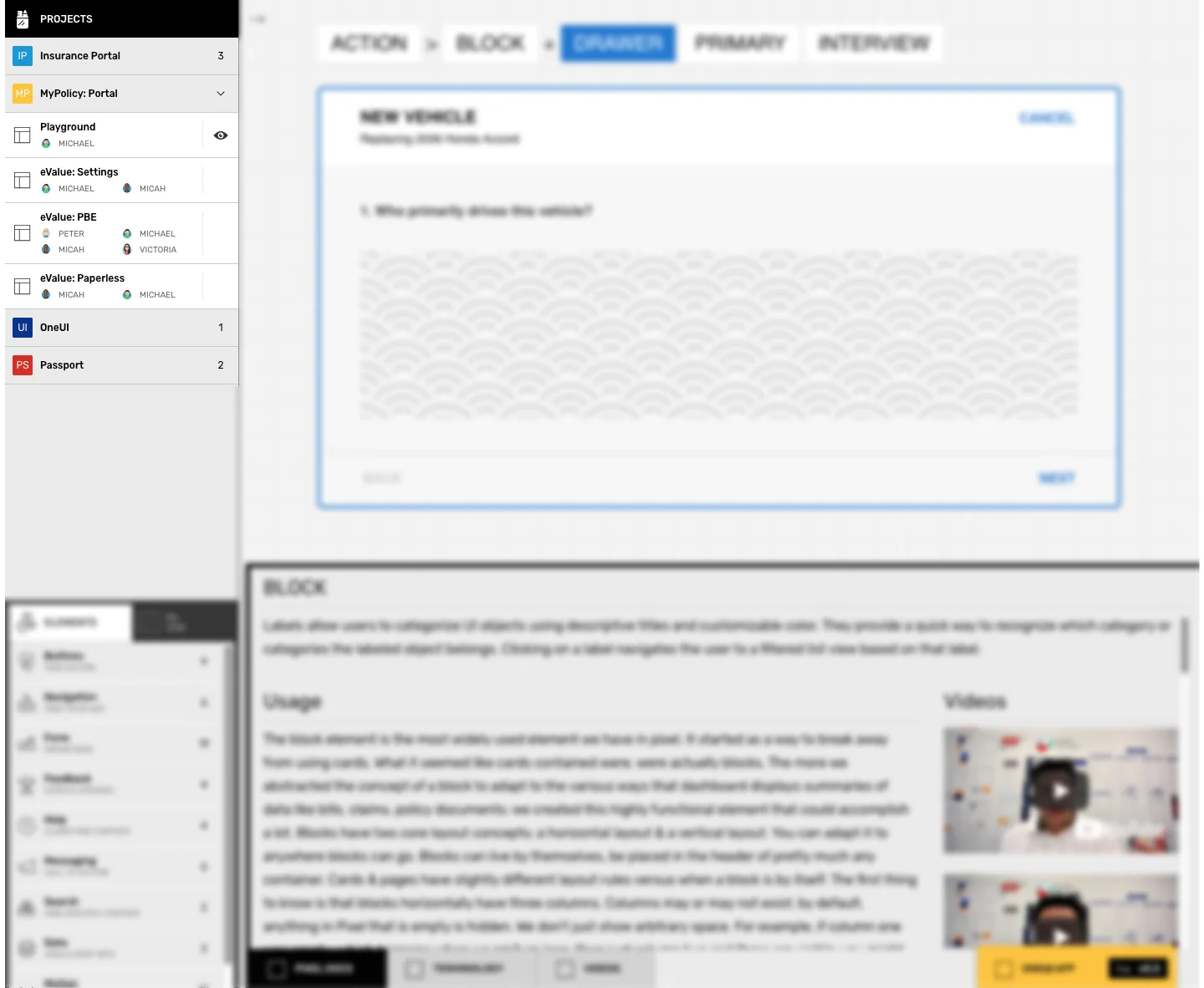
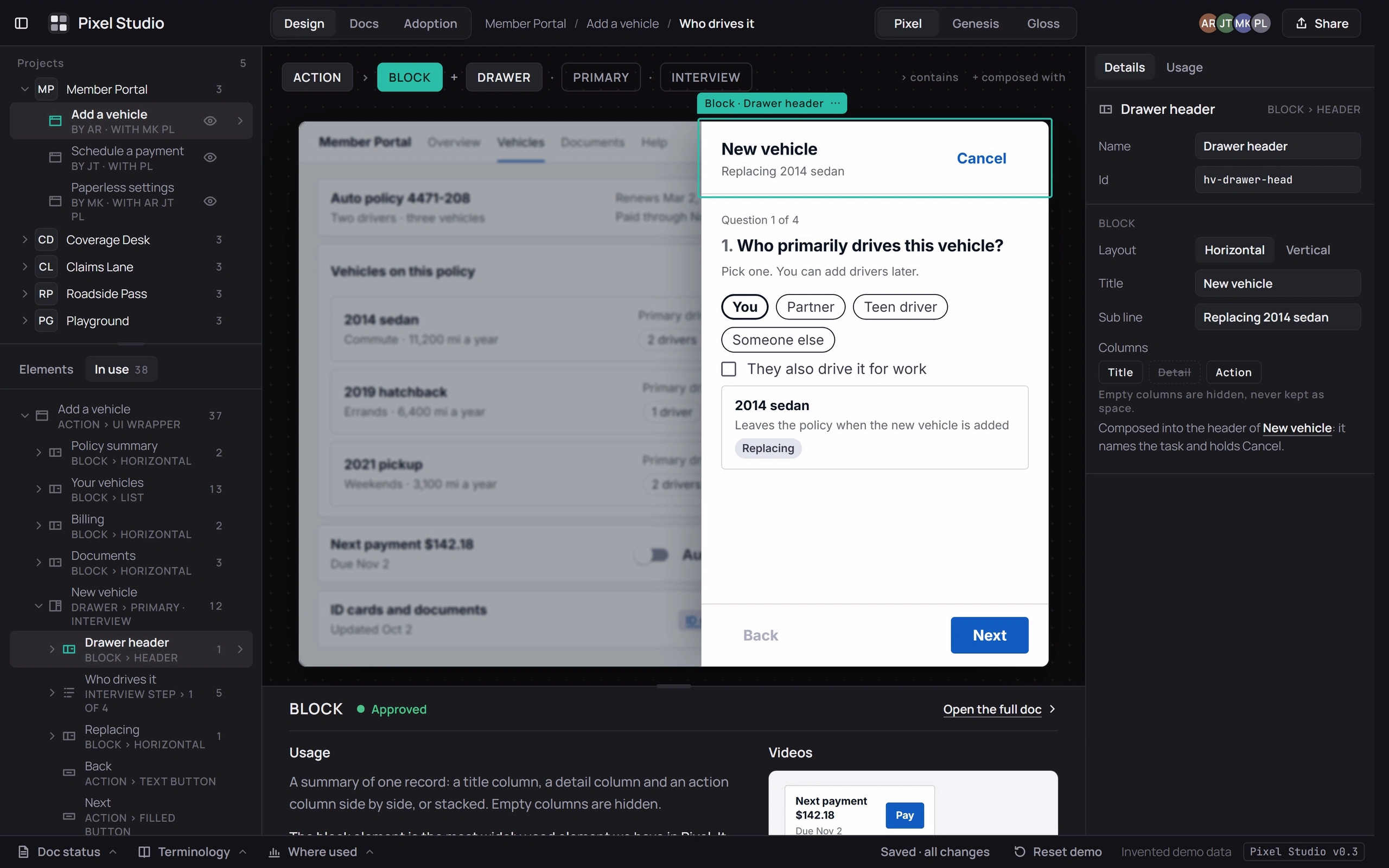
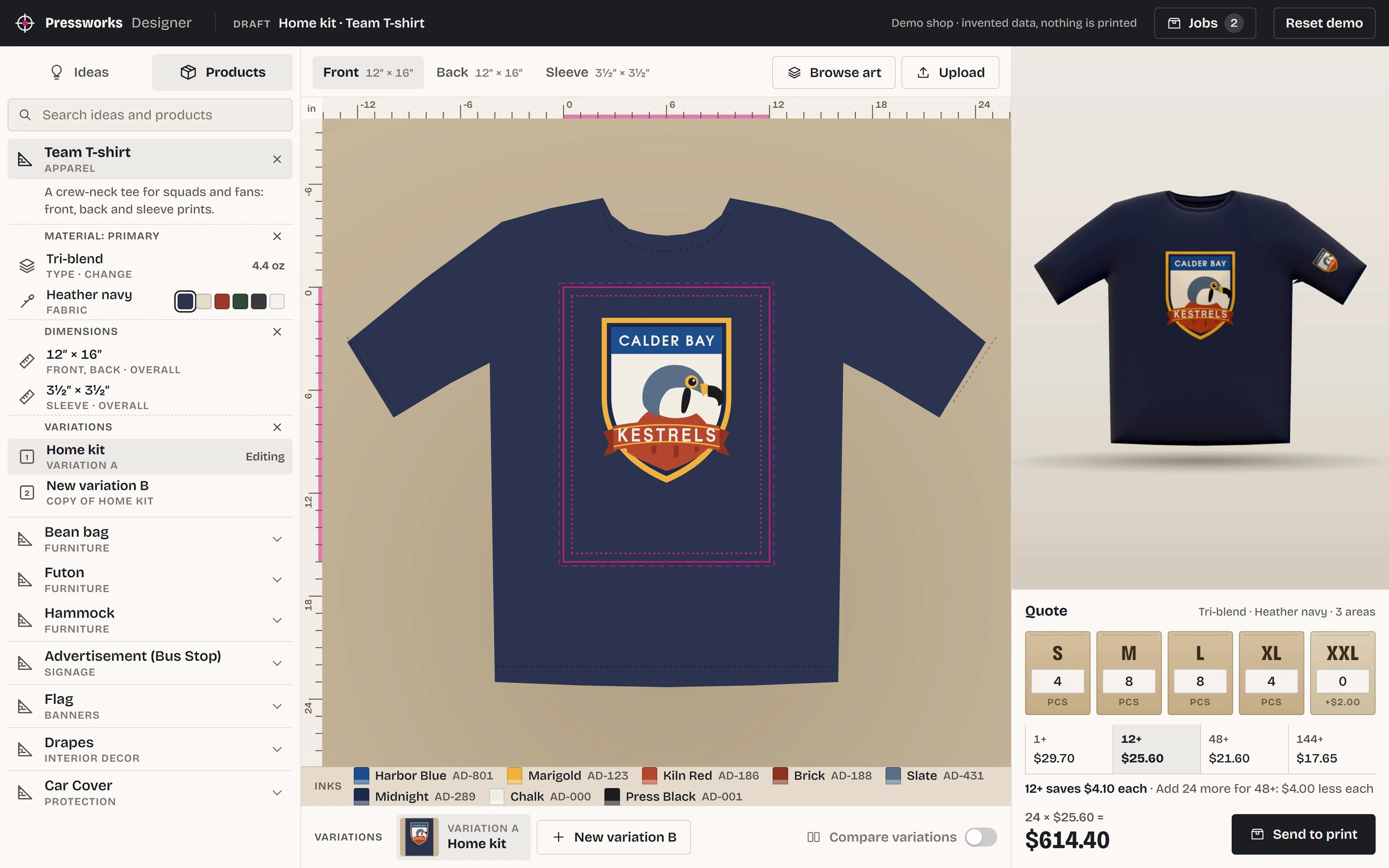
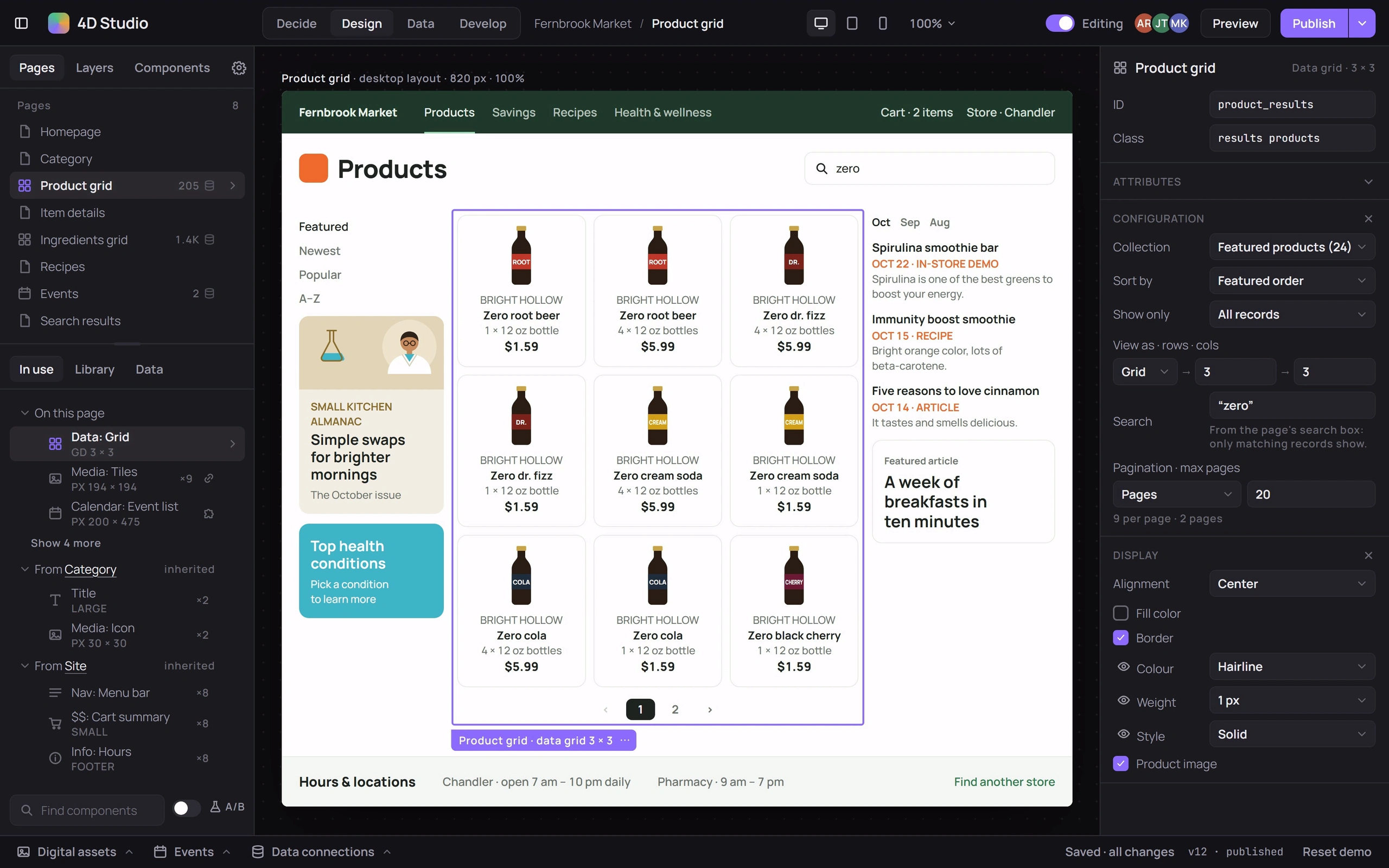
Three creation tools you can try: Pixel StudioPixel StudioA studio for building screens from a design system: projects and their flows, an element library, a tree of what each screen uses, and every element’s usage doc beside the canvas.Application, for building screens from a design system and documenting its elements; Apparel DesignerCustom print designerA design tool for custom print jobs, from T-shirts to bean bags: art placed inside a product’s print areas, the product in 3D, a quote with quantity breaks, and a proof to approve.Application, for custom print jobs from T-shirts to bean bags; and 4D Studio4D StudioA browser-based page builder with experiments built in: pages and layers, an inspector, drawers for assets, events and data, and tests of variations against goals.Application, a page builder with experiments built in. Each is below, ready to try. Above are their side panels; the case-study notes follow.
How the three creator tools fit together, sketched: one way of working, one layout, the side panels, one choice about scope, and how each warns in place.
1One way of working. The same four steps in all three tools.2One layout, three tools. Library, canvas and inspector, in the same places.3The side panels. The three side panels and how each is organised.4How big a tool. Three focused tools that share one layout.5Warnings where they happen. How each tool warns, in the spot where it matters.
The side panels
Side panels from three creation tools: Pixel Studio, with a projects list, an element library grouped by purpose and a layer tree with usage notes; an apparel designer’s panel of product ideas with materials, dimensions and variations; and the design panel of 4D Studio, with page templates and components.
Its 5 screens, in order:
Pixel Studio: Projects
Pixel Studio: Elements
Pixel Studio: In-use Layers + Inspection
Apparel Designer
4D Studio
Studio’s Adaptability
Each project scope is designed to address specific user experience challenges within the Design Panel, aiming to enhance efficiency, customization, and consistency for users of the 4D CMS tool. Success criteria are based on measurable outcomes that reflect improvements in user interaction and satisfaction.
Sidebar Organization
The sidebar was structured into two main areas, top and bottom, both vertically scrollable. This design supports better organization and accessibility of various elements and components.
Goal: Enhance navigation efficiency between different sections of the design panel.
Tasks: Redesign the sidebar to include two main areas (top and bottom) with scrollable functionality.
Deliverables: A redesigned sidebar with clear separation between design elements and configurations.
Success Criteria: Users can navigate between sections 30% faster with reduced navigation errors.