Named in the résumé under Other Work at AAA Insurance, also known as CSAA.
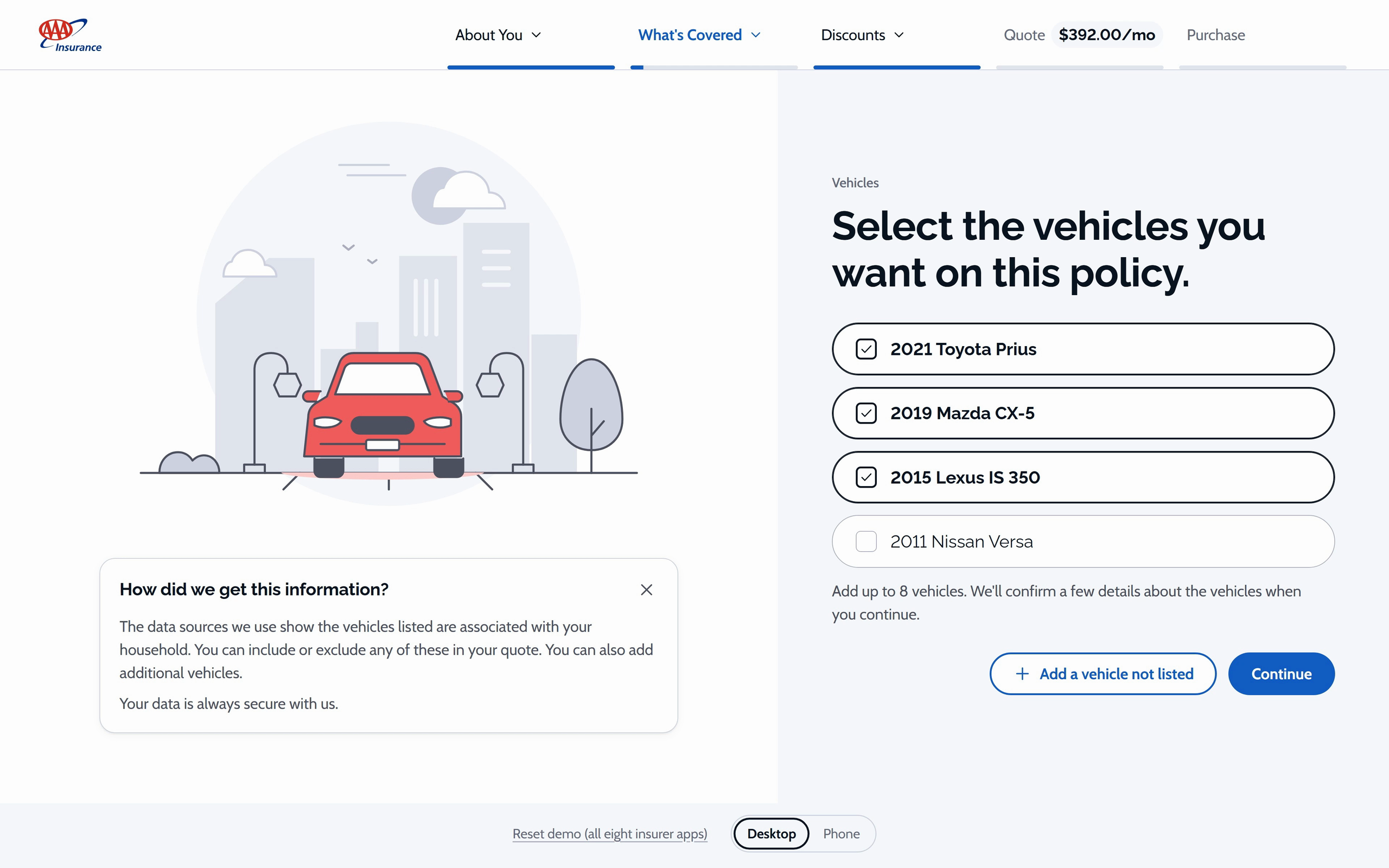
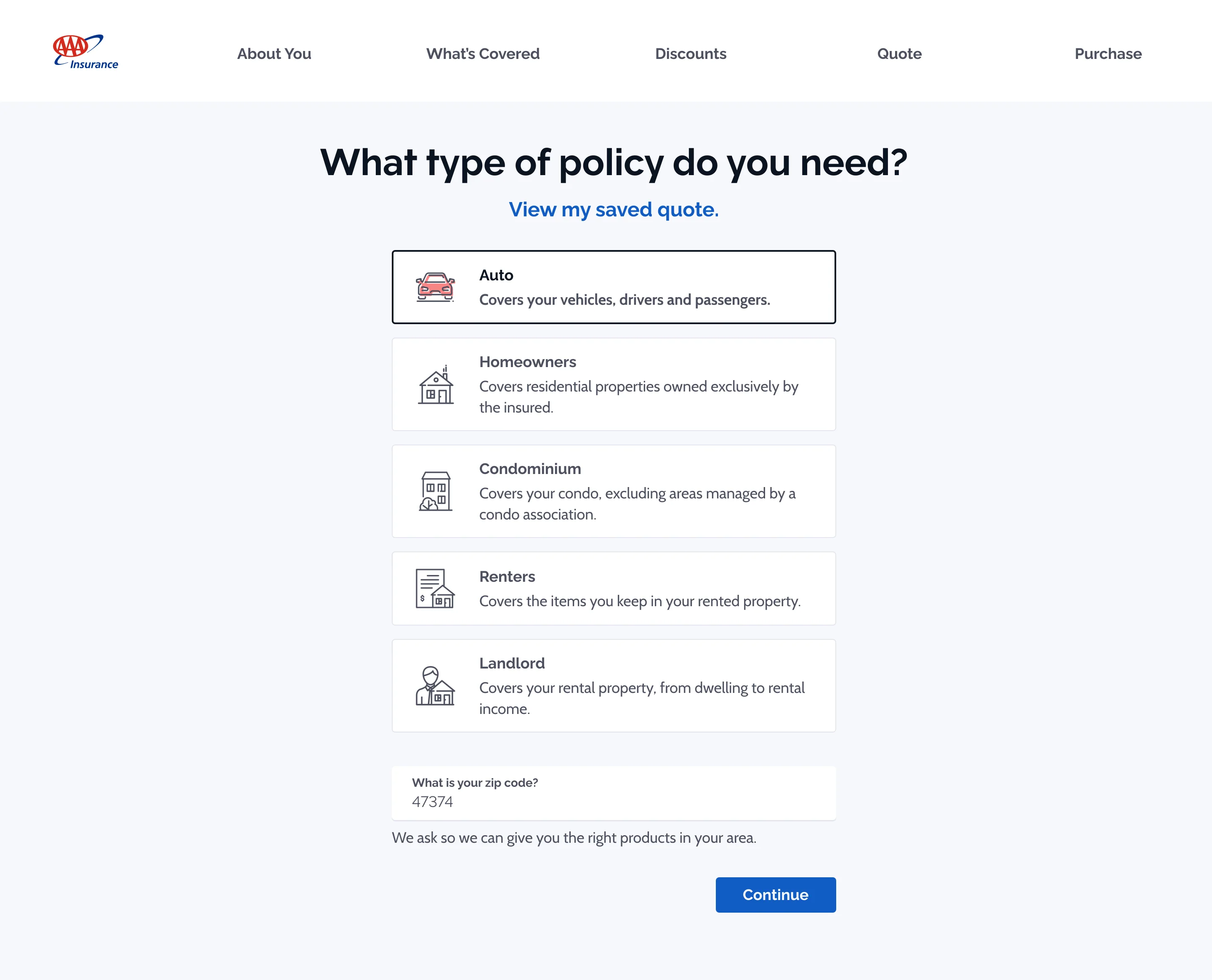
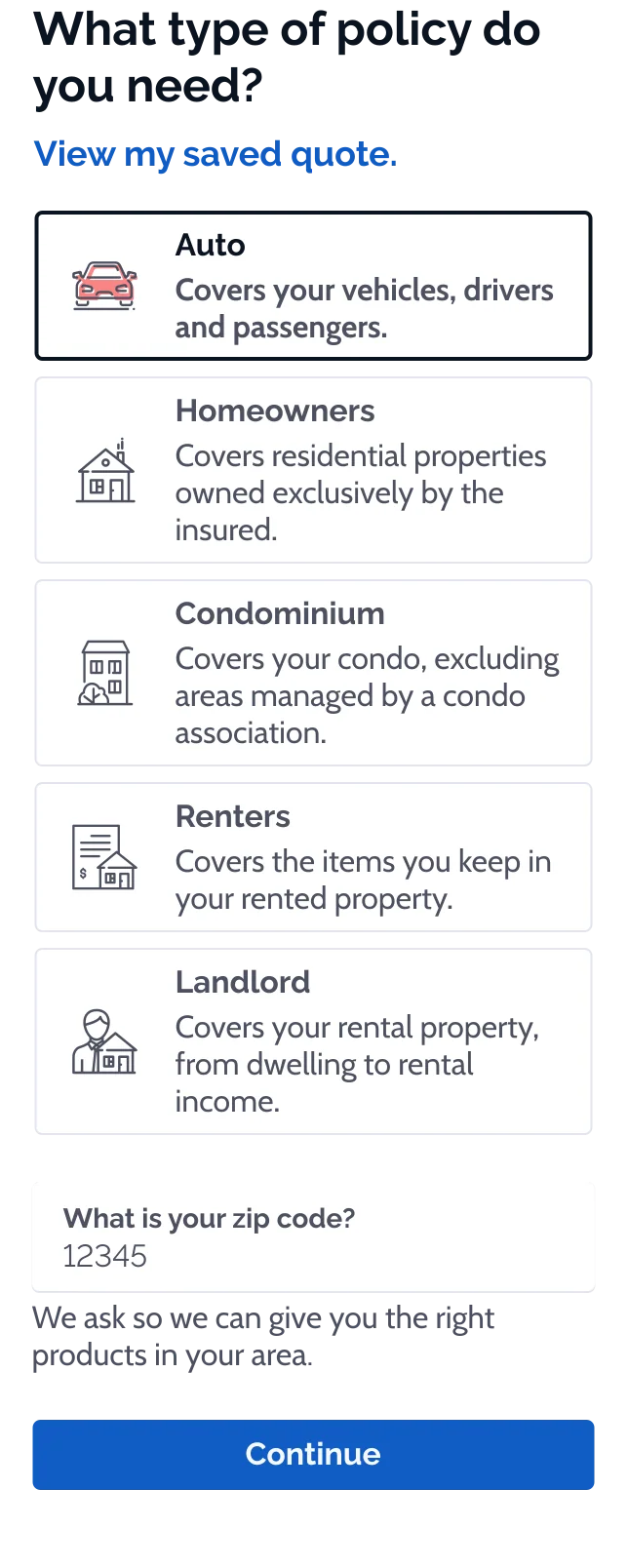
A working online auto-insurance quote for one invented household. Pick the vehicles and drivers, confirm how each car is used, answer the discount questions, and the monthly price in the header changes with each answer. See your quote opens Coverages with the same numbers. The mockups below show each step on desktop with its phone version beside it.
Wireframes
How Quote works, sketched: the path through the questions, its two working screens, one choice about the explainer, and one state.
1One question at a time. The path, computed from the answers: what appears, and what never has to be asked.2Confirm the cars. The first screen: the household's cars, already found, with the monthly price in the header.3Jump back without losing your place. The section menu: every answered screen, grouped so a household with three cars stays readable.4Where the explainer sits. Keeping the explainer out of the drawing it explains.5A price that answers. Taking a car off the quote, and the price answering in place.
Mockups
Next screen
1/15What type of policy do you need?
Its 15 mockups, in order:
What type of policy do you need?
What is your address?
Select vehicles
Ownership Details (primary)
Ownership Details (secondary)
Rideshare
Driver Selection
Personal Details Confirmation
Match Current Coverages
Accidents
Discounts
Save 15%
Defensive Driver Discount
Smart Driver Discount
Good Student Discount
Streamlined Selection Process
Users showed a preference for the revamped product selection screen with its simplified choices and engaging design. They mentioned that the Option B design streamlines the selection process and facilitates easier decision making.
Step by Step
In the vehicle confirmation process, users showed a preference for a streamlined approach where only one question is displayed per screen.
Pro: One question per screen - Simplified Navigation, Enhanced Clarity, Higher Completion Rates
Con: Multiple questions per screen - Cognitive Overload, Decreased User Engagement
Optimized Data Entry Process
In the “Add a Driver” flow, users showed a clear preference for the dialog-based interaction, marked by its step-by-step query presentation.