Named in the résumé under Other Work at AAA Insurance, also known as CSAA.
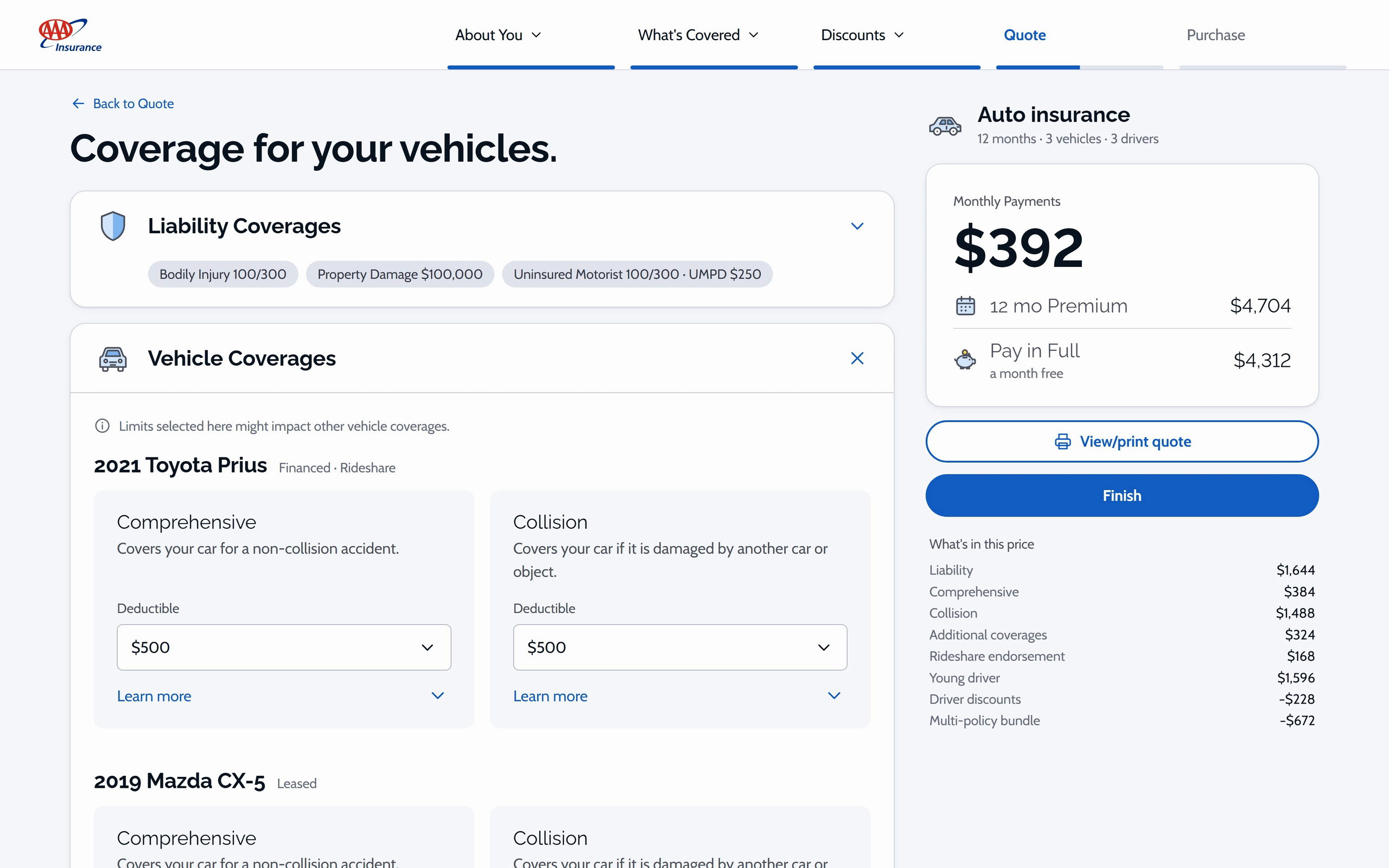
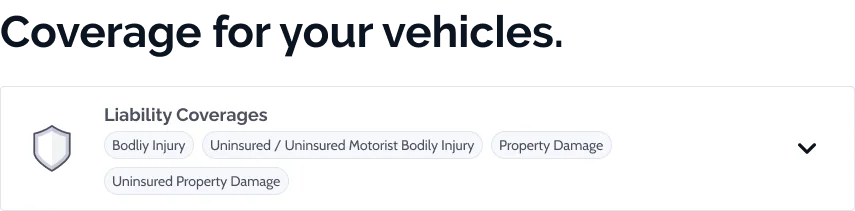
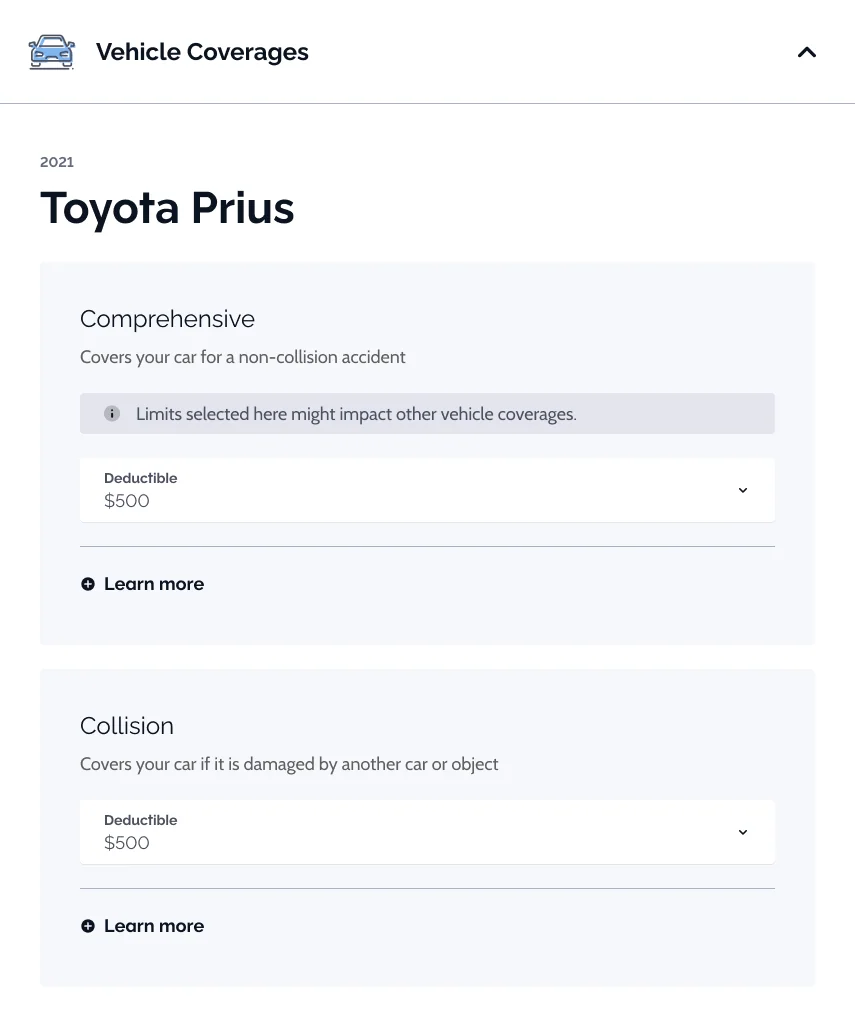
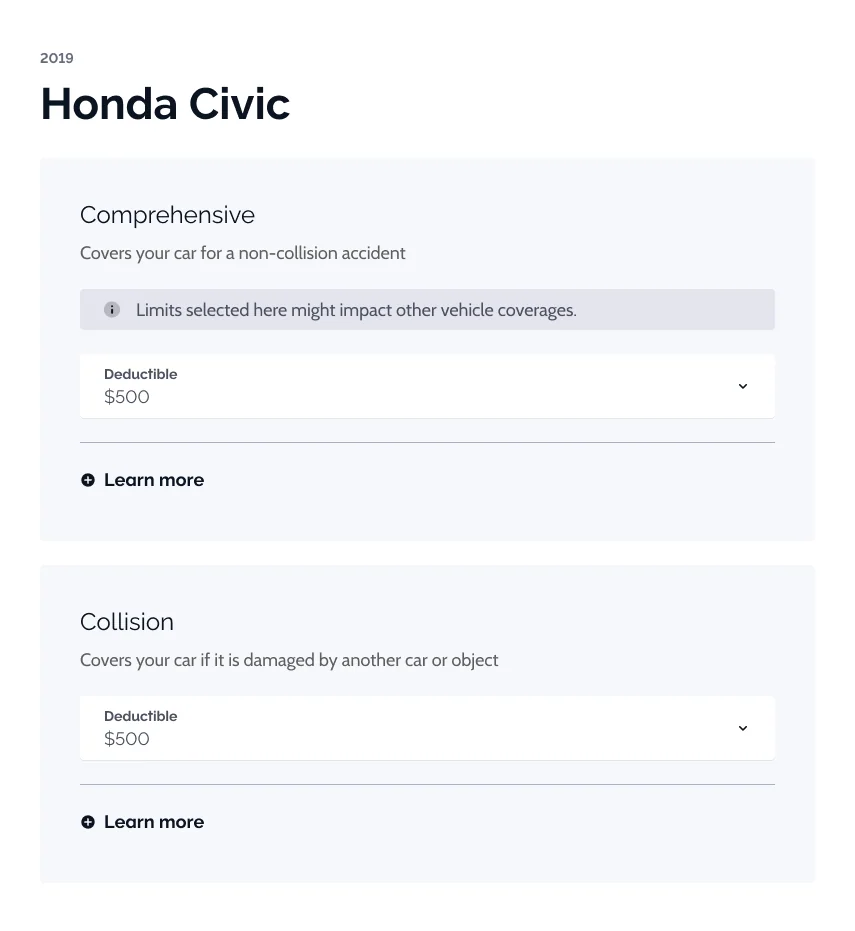
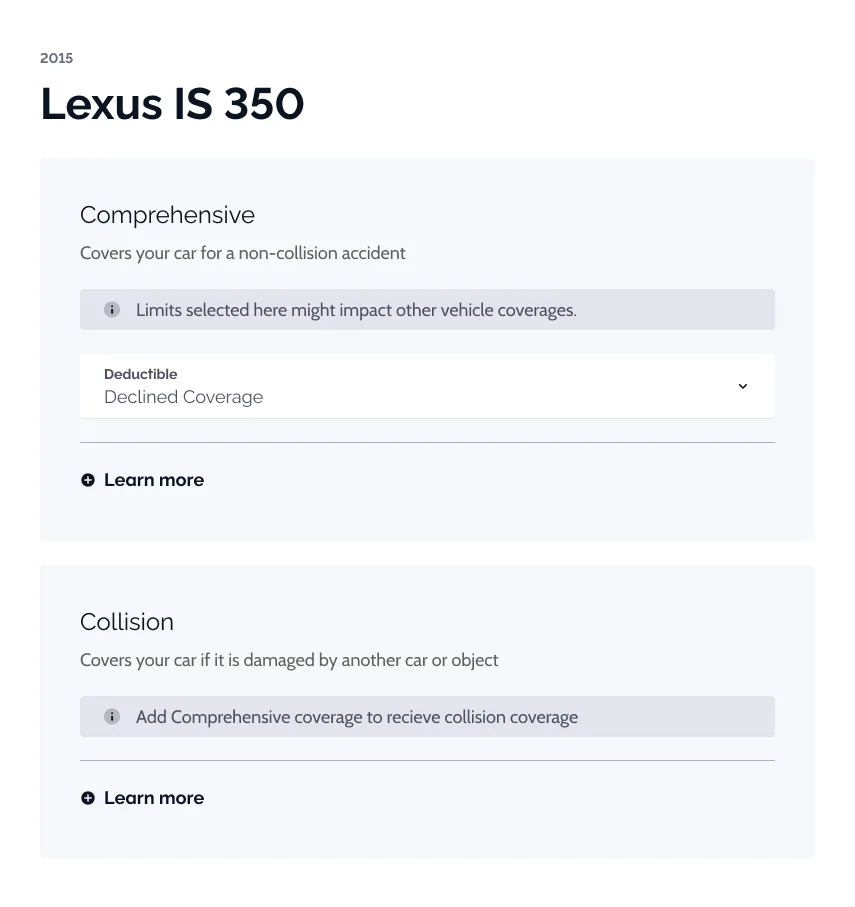
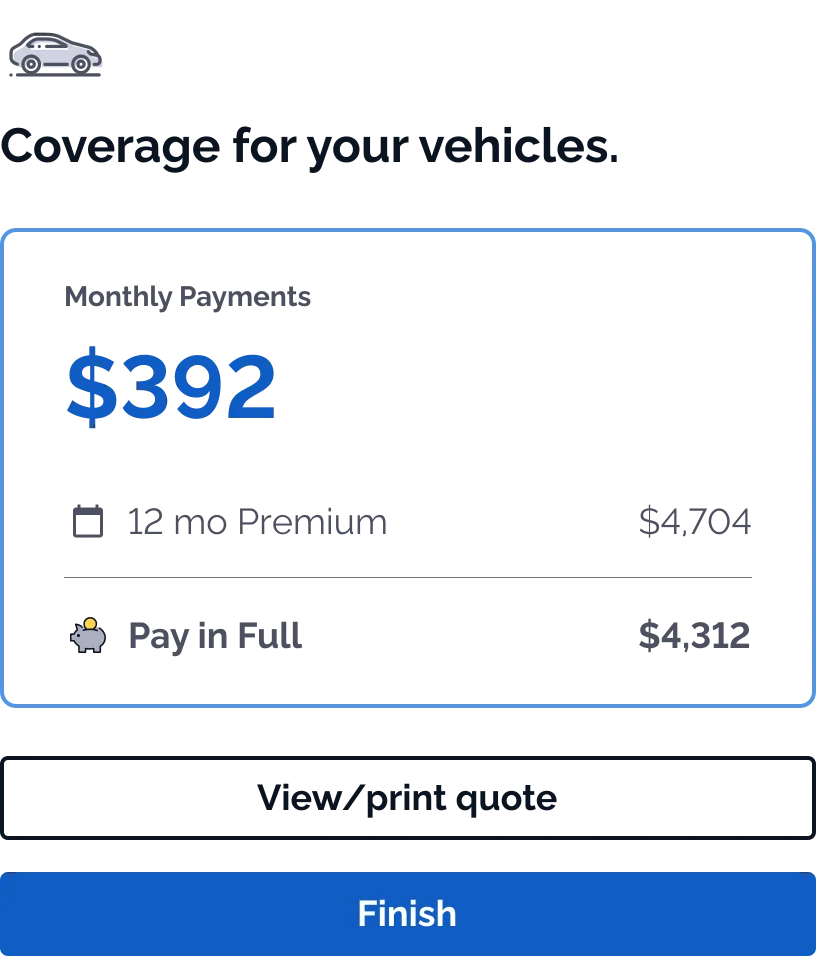
The coverage step of an online auto-insurance quote, under the same five-step header as Quote. Coverages sit in liability, vehicle and additional groups that collapse to chip summaries when closed; vehicle coverages are set car by car, and a pinned card keeps the monthly and pay-in-full prices in view as the page scrolls. The third screen is the collapsed review, with the total due today. Change a deductible or a limit and the price card counts to the new total; Back to Quote returns to the step you left.
Wireframes
How Coverages works, sketched: the job, its two working screens, one choice about the car panels, and one state.
1Choose, see the price, buy. The job: set the coverages, watch the price, then buy.2Set it car by car. The working screen: coverages on the left, the price that answers them on the right.3Review and choose how to pay. Review: the quote collapsed to its choices, and the two ways to pay.4How a car’s coverages sit. Fitting a whole car on the first screen.5A rule, said where it bites. Rules explained in the control they limit.
Mockups
Next screen
1/3Coverage Editing
Its 3 mockups, in order:
Coverage Editing
Coverage Editing: Additional Coverages
Coverage Editing: Review
Improving Navigation
In the Coverages navigation tests, users favored Option A, for it’s streamlined navigation and the clear overview it provided.
This design choice evidently made navigating through different coverage options more intuitive, facilitating a smoother and quicker decision-making process for the users.
Conclusions
Instant Premium Visibility Users now see their premium total update immediately as they adjust coverage options.
Interactive Quote Customization This real-time feedback makes customizing quotes more interactive and informative.
Confident Decision-Making By providing up-to-date cost implications, users can make coverage decisions with confidence.