Async Upload
A three-step upload flow: drop files, triage size and format problems, and watch a simulated job queue.
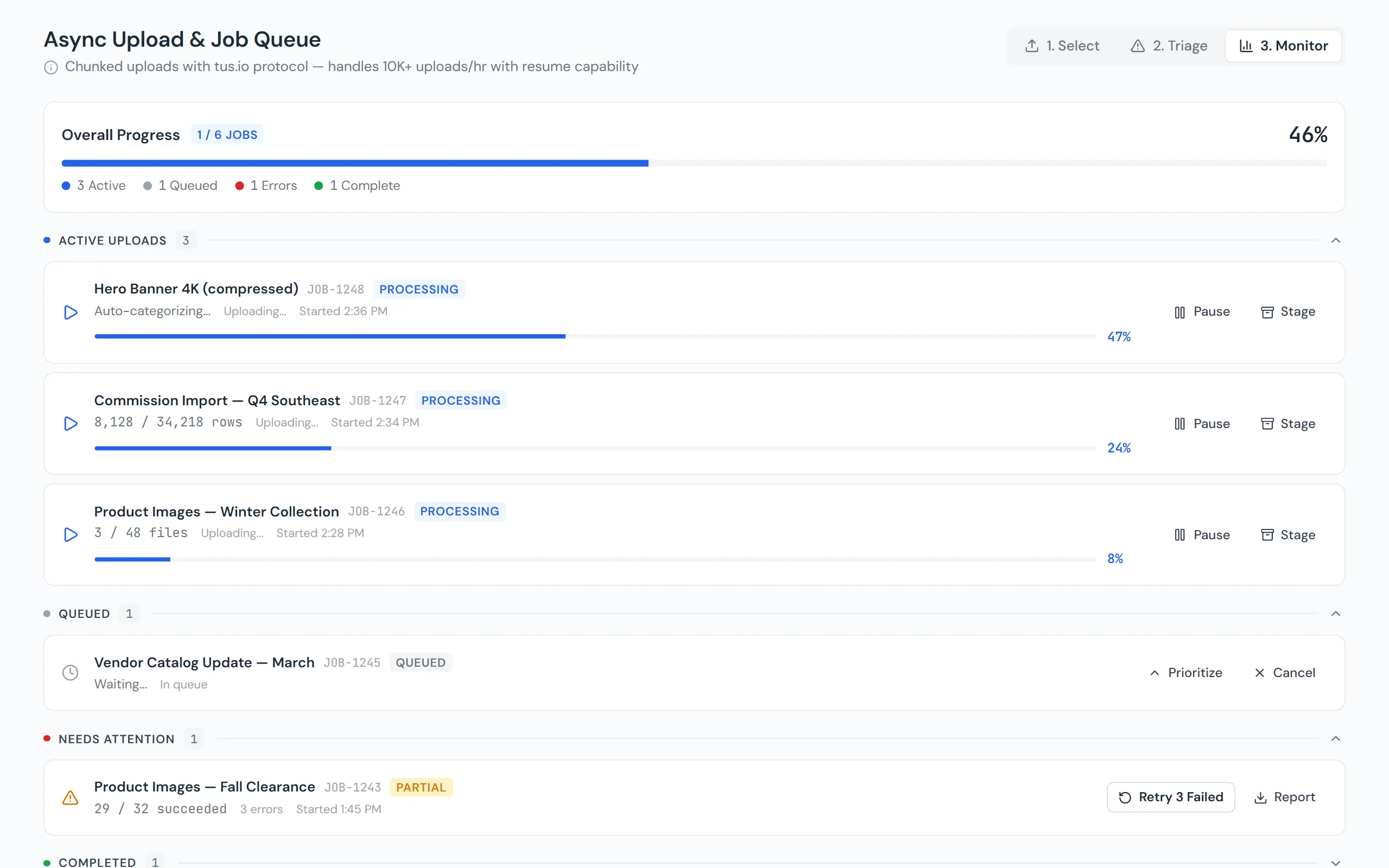
Async Upload walks through a three-step upload flow. Drop any files into the first step: they are classified in the browser by name and size, and nothing is read or uploaded. Triage lists seven sample files plus anything dropped, flags images over 5 MB with compression options, blocks files over 500 MB, and turns a spreadsheet’s problems into a checkable punch list. Monitor groups the jobs into Active, Queued, Needs Attention and Completed; one job pauses at an integrity check and another times out at 95%, with a Resume button.